




Coolzino App
The Coolzino app gives you a quicker way to return to our casino from your device. It works as a progressive web app, so you can add a shortcut once and open Cool Zino directly whenever you want to play.



Benefits and Features of the Coolzino App
The app combines quick access with the tools players regularly use during a casino session. The table below shows what each feature does and how it helps when you open Coolzino from a mobile or desktop shortcut.
| App Feature | Purpose and Benefits |
| Full Casino Lobby | Open the same Coolzino game selection from the shortcut as you would through the website. The mobile layout keeps the categories easy to browse on a smaller screen. |
| Personal Profile | Your profile remains available inside the PWA, so you can check account details, recent activity, and security settings without returning to a separate browser page. |
| Data Security | The shortcut opens the official Coolzino platform over HTTPS. You do not need to place a casino installation package on your device. |
| Push Notifications | Turn on notifications to receive selected updates on a supported device. You can manage them through your browser or system settings. |
| Live Chat | Open live chat from the casino interface whenever you need help. Our support team answers 24 hours a day. |
| Touch Controls | Buttons and navigation adapt to touchscreen use, making the lobby easier to handle on a phone or tablet. |
| Automatic Updates | Cool Zino loads the latest PWA version when you open the shortcut. There is no update file to find or install. |
We update the platform centrally, so the shortcut opens the current version whenever you return to Coolzino.
Coolzino App for iPhone and iPad
You can add Coolzino to the Home Screen through Safari. This creates a direct shortcut, so you do not need to open the App Store or search for the website each time.
To add it:
- Open the Coolzino website in Safari.
- Tap the “Share” button.
- Select “Add to Home Screen”.
- Tap “Add”. Safari places the Coolzino icon on your Home Screen.
The shortcut opens Cool Zino directly from the icon. On an iPad, the larger display shows more game previews at once and makes live casino streams easier to follow.
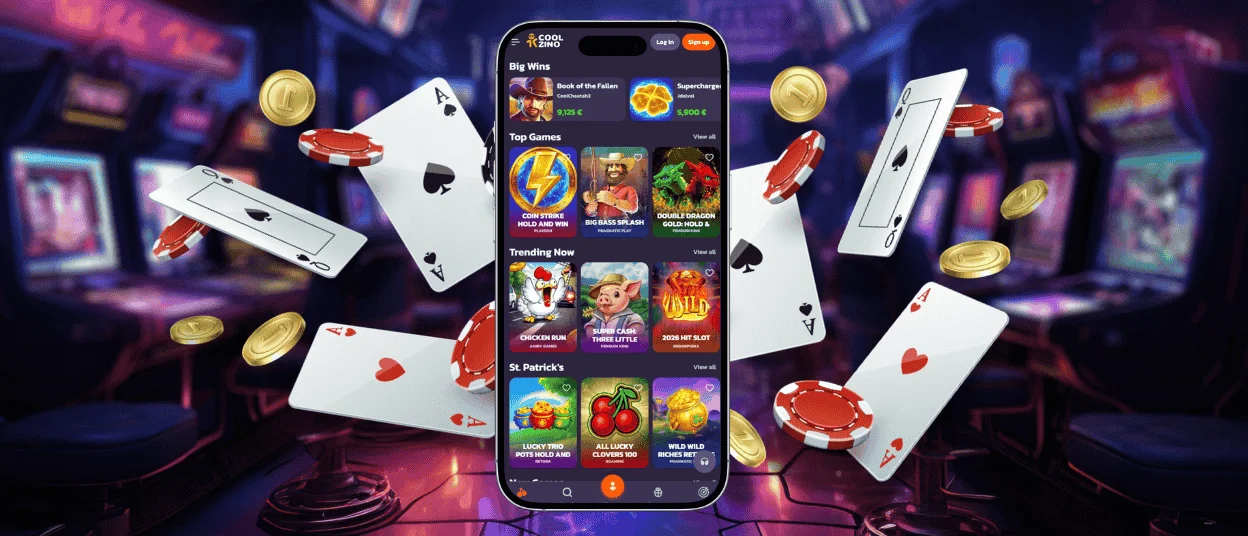
Cool Zino Casino App for Android
Android lets you choose where to keep the Coolzino icon. Place it on the main home screen, move it into a folder with other entertainment apps, or open it from the app drawer. Your phone or tablet launcher determines which placement options you can use.
Chrome handles the standard setup:
- Open Coolzino in Chrome.
- Tap the three-dot menu.
- Select “Add to Home Screen” or “Install app”.
- Confirm the shortcut and choose its position.
This format works particularly well on Android because it avoids manual installation files. You do not need to change device permissions, allow apps from unknown sources, or check whether a downloaded package matches the latest platform version.
Do You Need a Coolzino APK?
You do not need a Coolzino APK to place our casino on an Android home screen. Chrome creates the direct-access icon, while the PWA loads the current platform online. This approach also helps you avoid altered or outdated installation packages from unofficial websites.
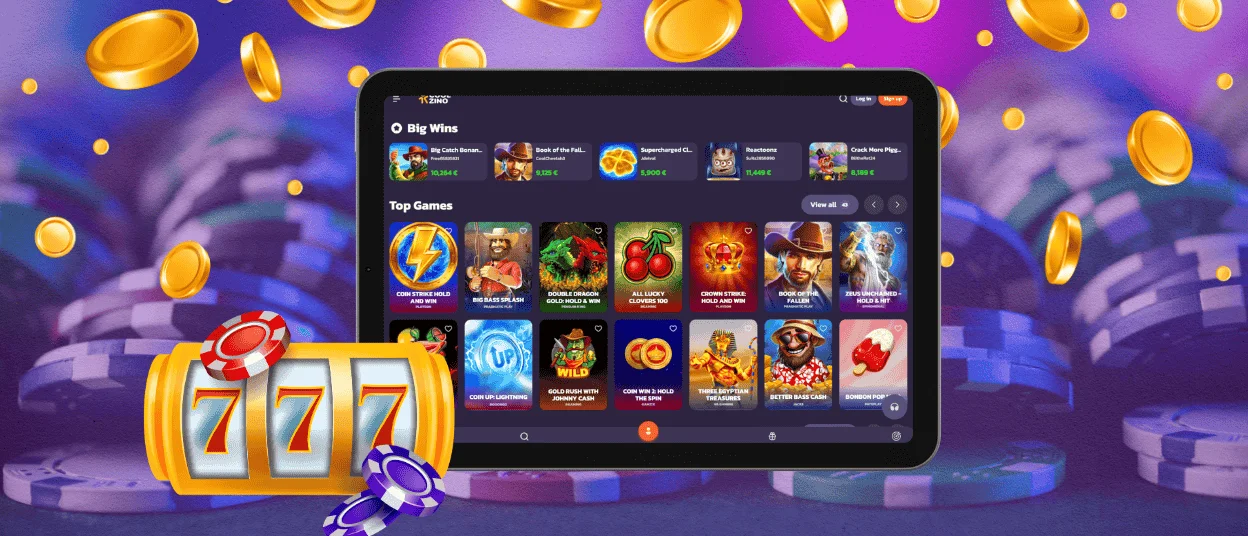
Play Coolzino Casino on Mac or Windows
On a computer, the main advantage comes from direct access. A desktop shortcut saves you from searching through browser history, scrolling through bookmarks, or keeping Cool Zino Casino open in a permanent tab.
Depending on your browser and operating system, you can:
- place the shortcut on the Windows desktop;
- pin Coolzino to the taskbar or Mac Dock;
- open the PWA in a separate window without unrelated browser tabs;
- remove the shortcut without uninstalling a desktop program.
Browsers label this feature differently. Look for Install app, Create shortcut, or a small installation icon in the address bar.
A separate window keeps the casino apart from everyday browsing. When several tabs are already open, you can return to Coolzino directly from the desktop, taskbar, or Dock.
The PWA runs through the browser, so you do not install or update a separate desktop program.
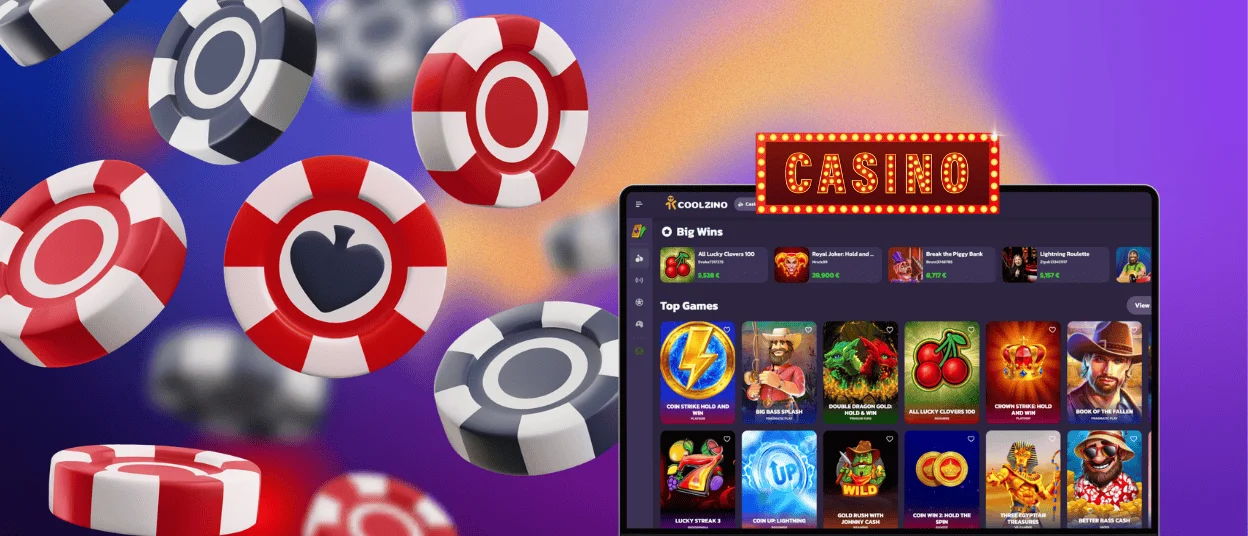
Device Compatibility
The Coolzino PWA works through a modern browser, so compatibility depends more on the browser version than on a specific device model.
Notification support and the way the shortcut opens may differ between operating systems. If the interface does not load correctly, update the browser and reopen the app.
How the Cool Zino PWA Protects Your Device
The PWA format reduces several risks that come with traditional application downloads:
- Limited device access. The app runs inside a browser-controlled environment and cannot freely open your contacts, files, storage, or camera. When a function needs permission, the browser asks you to approve it.
- No installation file. You create the shortcut from the official website, so there is no executable program or Android package to download.
- Encrypted connection. HTTPS encrypts information while it travels between your browser and our servers.
- Automatic updates. We update the web version directly. The next time you open the PWA, it loads the current version without asking you to install a patch.
The PWA format limits some risks connected with downloaded software, but it does not replace basic account protection. Use a unique password, enable two-factor authentication, and keep your login codes private.
FAQ
Does the Coolzino Casino app offer customer support?
The app includes 24/7 live chat. Open it from the Coolzino menu when you need help while playing or using your account.
Can I upload verification documents through the app?
Yes. The verification section opens inside your Cool Zino account, so you can choose a document saved on your device and upload it through the PWA. You do not need to switch to a separate version of the website.
Is my balance synchronized in real time across devices?
Yes. We keep your balance synchronized across supported devices. If you have just completed a game or payment, allow a moment for the new amount to appear.


